A reliable shift schedule is not created in one step. It is the result of an operating rhythm that starts with availability, moves through demand planning and draft coverage, and ends with a published schedule that workers can actually follow. When that rhythm is missing, managers compensate with spreadsheets, group chats, and last-minute corrections.
This playbook gives shift-based teams a practical sequence for moving from open availability to a defensible published schedule. It is designed for campus departments, public safety teams, recreation centers, facilities groups, hospitality operations, and any workforce where coverage depends on hourly workers across locations.
Step 1: Collect availability before demand planning
Availability collection is the foundation of schedule quality. Managers need to know when workers can work, when they cannot work, and which availability responses are current enough to trust. Collecting that information after shifts are drafted creates rework and makes the schedule feel arbitrary to workers.
For student and part-time workforces, the availability window should match the operating cycle. A semester-based team needs class schedules and recurring constraints before the semester draft is built. A retail or hospitality team may need weekly availability cutoffs tied to manager review.
The most important control is version clarity. Managers should be able to see whether availability was submitted, updated, approved, or missing. That context prevents a blank availability record from being treated the same as a worker who is genuinely open.
Step 2: Translate demand into shifts and roles
Demand planning should describe what the operation needs before names are attached to shifts. The schedule should separate shift time, location, required role, coverage level, and department owner so managers can see the coverage problem clearly.
This structure matters when coverage is shared. A single worker might be eligible for a desk shift, patrol support, event staffing, and late-night coverage, but those needs may belong to different managers. Defining demand first prevents cross-department borrowing from hiding the original coverage gap.
Managers should also identify critical shifts early. Opening shifts, closing shifts, safety-sensitive posts, special events, and high-traffic periods deserve more review than routine coverage because a missed assignment creates a larger operational failure.
Step 3: Draft assignments with conflict visibility
Drafting is where many scheduling systems fail managers. A calendar can show who is assigned, but it may not show whether the assignment conflicts with availability, another shift, location eligibility, role rules, or hour limits. The draft view should expose those signals before the manager publishes.
Conflict visibility should be specific. A vague warning that a shift has an issue forces managers to open another report. A useful warning says that the worker is unavailable from 2:00 to 4:00, lacks the required role, is already assigned elsewhere, or would cross an internal threshold.
The point is not to remove manager judgment. Managers sometimes need to make exceptions. The schedule should make those exceptions visible so they can be reviewed, approved when appropriate, and explained later.
Scheduling operating stages
| Stage | Manager question | Healthy signal |
|---|---|---|
| Availability | Do we know when people can work? | Current submissions, clear unavailable windows, and missing-response visibility. |
| Demand | What coverage do we need? | Shifts include time, location, role, department, and criticality. |
| Drafting | Can assigned workers actually work these shifts? | Conflicts and eligibility warnings appear inside the draft schedule. |
| Review | What is still risky? | Coverage gaps, pending approvals, and unacknowledged changes are visible before publish. |
| Publication | Can workers act on the schedule? | Notifications, confirmations, and mobile access are tied to the final published version. |
Step 4: Use coverage requests instead of informal chat promises
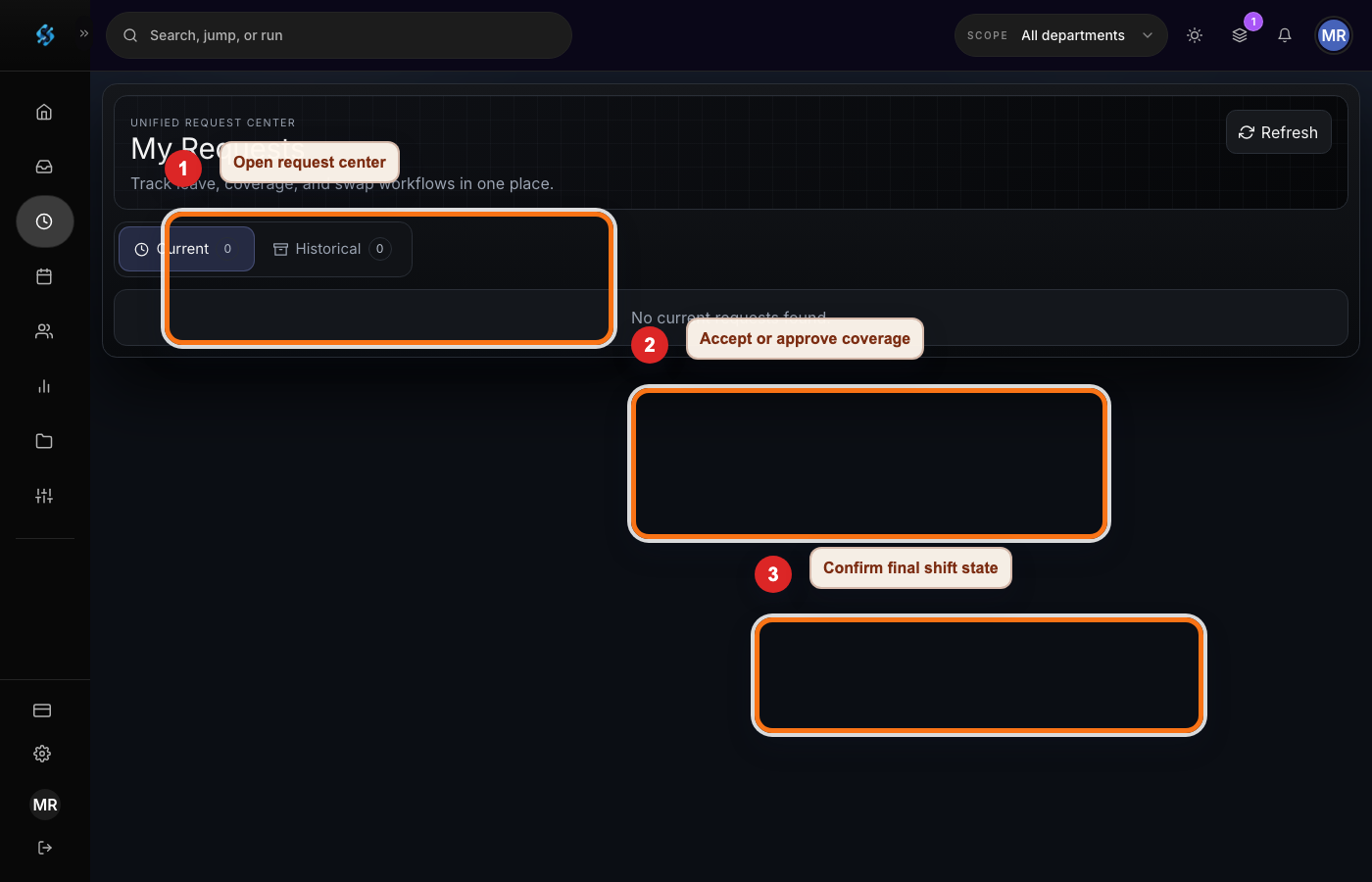
Open shifts and callouts need a structured coverage workflow. A manager should be able to publish an open need, control who can see it, collect eligible responses, and approve the final worker. That is different from asking in a group chat and hoping the first volunteer is eligible.
A structured request preserves key facts: which shift is open, who requested coverage, who offered to work, which manager approved the change, and when the worker was notified. Those details protect the operation when a shift changes hands close to start time.
Workers also benefit from structure. They can see the shift details before accepting, avoid accidental conflicts, and receive a clear confirmation when the assignment becomes official.
Manager publishing checklist
- All critical shifts have an assigned worker or an active coverage request.
- Assigned workers are available and eligible for the role, location, and department.
- Projected hours and internal thresholds have been reviewed.
- Manager overrides include a reason and approval path when required.
- Worker notifications and schedule acknowledgements are ready for the final published version.
- The previous version of the schedule is preserved so changes can be explained later.
What changes after publication
Publishing the schedule should not end operational control. It should start the live management cycle: reminders, swaps, coverage requests, acknowledgements, late changes, and manager approvals. Each change should flow back into the schedule instead of living in a side channel.
The most common failure mode is a published schedule that stops being the source of truth. A worker texts a manager, another worker covers the shift, and the schedule is never updated. The team gets through the day, but payroll, compliance review, and coverage analytics inherit incomplete data.
Shiftelix is designed to keep those changes attached to the schedule. Managers can treat schedule publication as the release of a controlled plan, not as the beginning of unmanaged exceptions.
Shift scheduling operations FAQ
How early should managers collect availability?
Managers should collect availability before building the draft schedule. For semester-based teams, collect class conflicts and recurring availability before the term starts. For weekly operations, set a recurring cutoff before demand planning.
What makes a coverage request safer than a group chat?
A coverage request keeps shift details, eligibility, worker responses, manager approval, and final confirmation attached to the schedule. A group chat can help people communicate, but it is weak as the official record.
What should happen after a schedule is published?
The system should continue handling reminders, swaps, open-shift coverage, manager approvals, and change history so the published schedule remains the current source of truth.